How to Organize WordPress Categories and Tags (Beginner’s Guide)
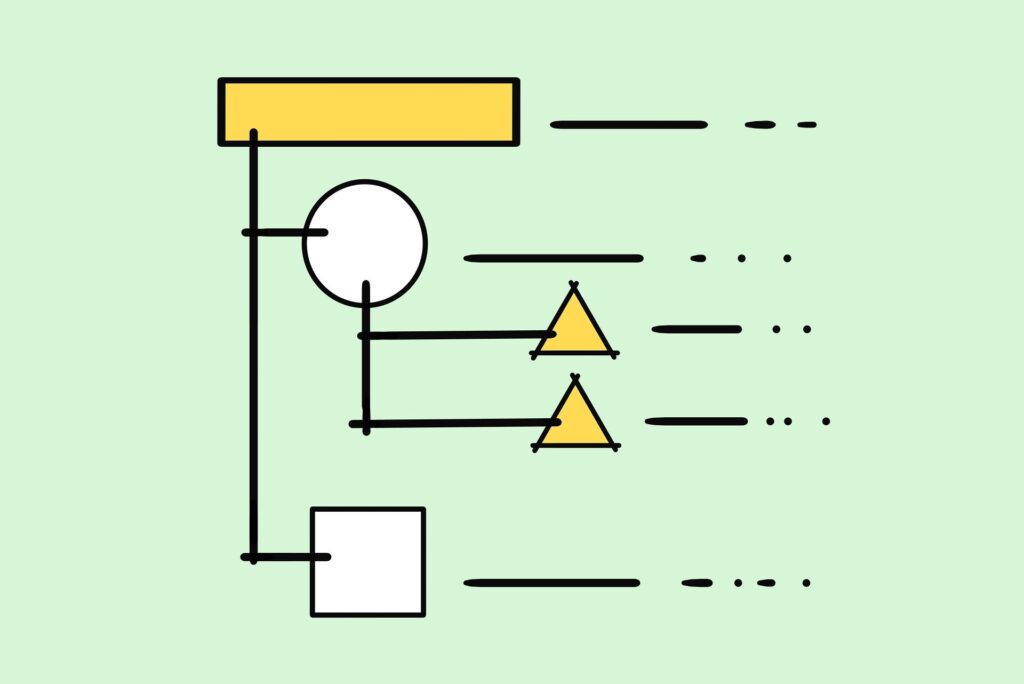
Quick Answer: Because Site Architecture Matters for SEO
Developing a clear WordPress category and tag strategy is one of the most critical technical foundations when establishing a new website or restructuring an existing blog. While creating compelling content is essential for attracting readers, the underlying architecture of your site dictates how effectively search engine crawlers explore, interpret, and index your articles. According to official technical guidelines on site structure from Google Search Central, a clean, logical hierarchy directly assists search algorithms in understanding page priority and topical relationships.
Many website owners make the mistake of treating categories and tags as identical organization tools, or creating dozens of new tags on the fly for every single published post. Without a structured taxonomy, search engines struggle to crawl your content efficiently. This chaotic organization frequently leads to severe similar archive pages, keyword cannibalization, and a dilution of your domain’s overall topical authority.
In this comprehensive guide, we will break down the fundamental technical differences between categories and tags, examine real-world indexing workflows, and outline 7 actionable rules to optimize your site architecture for sustainable search engine visibility.
Why Your WordPress Category and Tag Strategy Matters
Search engines allocate limited crawling resources to every website. When you lack a coherent WordPress category and tag strategy, your site automatically generates hundreds of thin, low-value archive pages. This forces search bots to waste valuable crawling resources on redundant tag listings rather than discovering your newly published core content.
Furthermore, an unorganized taxonomy severely damages user experience. Visitors who land on your site expect intuitive navigation paths. If your categories are cluttered or overlap significantly with your tags, users will struggle to locate related topics, leading to higher bounce rates and reduced dwell time—signals that negatively influence search engine rankings over time.
LIVE PROOF: Building My WordPress Category and Tag Strategy
After publishing my first group of WordPress tutorials, I focused on creating a simple and sustainable WordPress category and tag strategy instead of expanding my site structure too quickly.
Rather than creating multiple categories from the beginning, I currently organize my content under a single primary category dedicated to blogging. I decided to postpone adding new categories until I have enough high-quality articles to support them, helping me avoid thin category archives and maintain a clean site architecture.
As my website grows, my WordPress category and tag strategy will gradually expand to include dedicated categories such as YouTube, AI Tools, and Productivity. Each new category will only be introduced after it contains enough valuable content to serve readers effectively while supporting long-term SEO.
Categories vs. Tags: Understanding Technical Differences
Before implementing a long-term taxonomy plan, it is essential to understand how WordPress natively processes these two distinct classification systems. You can review the official core documentation on WordPress Taxonomies to dive deeper into technical definitions:
- Categories (Table of Contents): Categories represent the primary macro-topics of your website. They are mandatory for every post (if left unselected, WordPress defaults to “Uncategorized”). Categories are hierarchical, meaning they can support parent and child relationships (subcategories), and they serve as the main navigational pillars for site visitors.
- Tags (Index): Tags represent specific micro-topics, secondary keywords, or individual concepts mentioned within a post. They are completely optional, non-hierarchical, and designed to cross-reference related content across different parent categories.
Think of your WordPress blog as a printed non-fiction book: Categories function as the Table of Contents at the beginning, defining the main subject chapters, while Tags function as the Index at the back, allowing readers to quickly look up specific terms across multiple chapters.
7 Best Practices for Your WordPress Category and Tag Strategy
To establish a clean site hierarchy that search engines favor, follow these 7 standardized rules for managing your taxonomy.
1. Keep Categories to a Minimum (3 to 5 Recommended)
When launching a new blog, resist the urge to create dozens of categories for future content ideas. Starting with 3 to 5 broad categories ensures that each archive page quickly accumulates a healthy depth of articles. Search engines view category pages containing only 1 or 2 posts as thin content, which can negatively impact your sitewide SEO performance. As your publication expands beyond 50 or 100 articles, you can naturally introduce subcategories to break down larger topics.
2. Assign Only One Primary Category Per Post
While WordPress technically allows you to select multiple categories for a single post, doing so complicates your site’s permalink structure and creates duplicate content paths. Assigning an article to multiple categories confuses search engine bots regarding which canonical path represents the true location of the content. Always select a single, most relevant category for every published piece.
3. Avoid Creating Tags on the Fly
One of the most frequent site management mistakes is inventing new tags inside the post editor during publication. Adding 10 to 15 unique tags per article results in hundreds of auto-generated tag archive pages that contain identical snippets of text. This practice consumes valuable crawl budget and dilutes your site’s authority with low-value, thin archive pages.
4. Never Duplicate Category and Tag Names
Creating a category named “SEO” and a tag also named “SEO” is a major architectural error. WordPress generates distinct archive pages for both (typically /category/seo/ and /tag/seo/). Because both pages display similar lists of articles, search engines will struggle to decide which URL to rank, causing internal keyword cannibalization where your own pages compete against each other.
5. Set Tag Archives to Noindex
If you choose to use tags for internal site navigation and user experience, instruct search engines not to index these archive pages in search results. Utilizing an SEO plugin like Rank Math, navigate to the Titles & Meta settings and apply a noindex robots tag to your Tag taxonomies. This allows human visitors to click through related tagged items without subjecting your search performance to thin-content flags. This recommendation assumes that tags are used primarily for internal navigation rather than as landing pages.
6. Always Use Clean, Standardized English Slugs
Ensure that all category and tag URL slugs are configured in lowercase, hyphen-separated English text. Clean URL structures are significantly easier for search engines to evaluate, prevent percent-encoding character breakage when shared across external social platforms, and improve user trust during browsing.
7. Audit and Clean Up Unused Taxonomies Regularly
Establish a routine quarterly maintenance review of your WordPress taxonomies. Navigate to the Categories and Tags menus in your WordPress dashboard to check post counts. Delete orphan tags that link to only 1 article, or consolidate similar tags into unified, comprehensive umbrella terms to maintain a lean database and efficient site structure.
Common Mistakes to Avoid in WordPress Taxonomy Management
To maintain a high-performing site, ensure you avoid these three frequent architectural traps:
- Leaving Posts in “Uncategorized”: Forgetting to assign a category damages brand credibility and signal flow. Always rename the default category in your WordPress settings to a core topic name.
- Treating Tags Like Social Hashtags: Tags do not function like Instagram or X (Twitter) hashtags. Adding dozens of trending phrases to a post will not increase reach; it will only pollute your site structure.
- Creating Deep, Multi-Level Subcategories Too Early: Nesting subcategories 3 or 4 levels deep creates excessively long URLs and buries content away from your homepage authority. Keep your hierarchy as shallow as possible.
Frequently Asked Questions
Should I delete the default “Uncategorized” category?
WordPress does not allow you to delete the default category directly, but you can easily rename it. Go to Posts > Categories, edit “Uncategorized,” rename it to your primary core subject, and update its slug accordingly.
Can I change my category structure later without losing rankings?
Yes, but you must implement proper 301 redirects if your permalink structure includes category names (e.g., /category-name/post-title/). Changing a category slug without setting up 301 redirects will result in broken links and 404 errors across your site.
Is it better for SEO to use categories only and no tags at all?
For many modern blogs, using a streamlined category structure while completely disabling or noindexing tags is actually the safest and most efficient strategy. It eliminates the risk of thin content and keeps maintenance minimal, especially for many small and medium-sized blogs.
Next Steps: Building an SEO-Friendly Navigation Menu
Once you have defined your wordpress category and tag strategy, the internal site taxonomy is officially established.
The next natural step in setting up your site structure is taking those newly organized categories and reflecting them clearly in your site’s header navigation menu.
In our next article, we will show you how to construct a clean header menu that maximizes link equity distribution and enhances overall user navigation.
Next Step Guide: Build a WordPress Navigation Menu for SEO
Final Thoughts
Executing a well-planned WordPress category and tag strategy establishes a solid foundation for your blog’s organic search growth. By maintaining a clean hierarchy, avoiding duplicate archives, and keeping categories focused, you make it significantly easier for both users and search engines to navigate your site. Take a few minutes today to review your WordPress category and tag strategy, eliminate thin archive pages, and streamline your overall site architecture.